
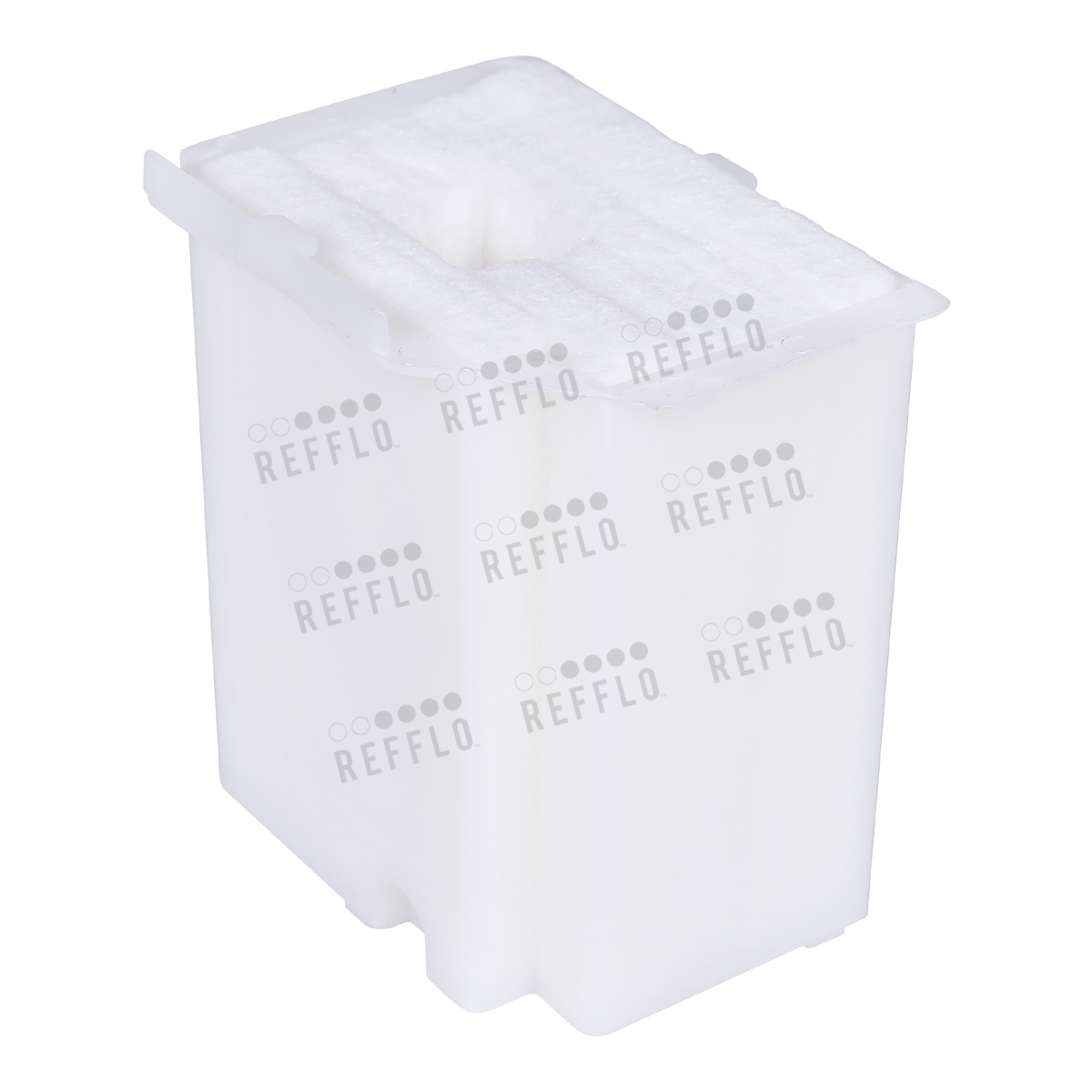
REFFLO Waste Ink Pad For Epson L3110-L3150-L3210-L3250 Printer

REFFLO Waste Ink Pad For Epson L3110-L3150-L3210-L3250 Printer
REFFLO Waste Ink Pad For Epson L3110-L3150-L3210-L3250 Printer
For Epson L3110 L3115 L3116 L3150 L3156, L3210,L3215,L3216,L3250,L3256,L3255,L1250,L1110 Printer
Waste Ink Pads are actually a number of porous pads in the printer that collect, distribute, and very importantly contain the ink that is not used on printed pages. Ink is collected by these pads during the initial setup of the product, during cleaning cycles it dispels ink from its nozzles and tubes down a waste pipe into an absorbent pad (Waste Ink Pad) Parts inside your printer are at the end of their service life.
Following procedure is used to replace ink pads:
1. Unplug the power and USB cables from the printer.
2. Next To replace the ink pad, it is located at the base of the printer . Open screw from backside of printer.
3. Remove the old full and messy waste ink pad. place the new fresh pad back .
4. Plugged in the USB & power cable and turned it on.


